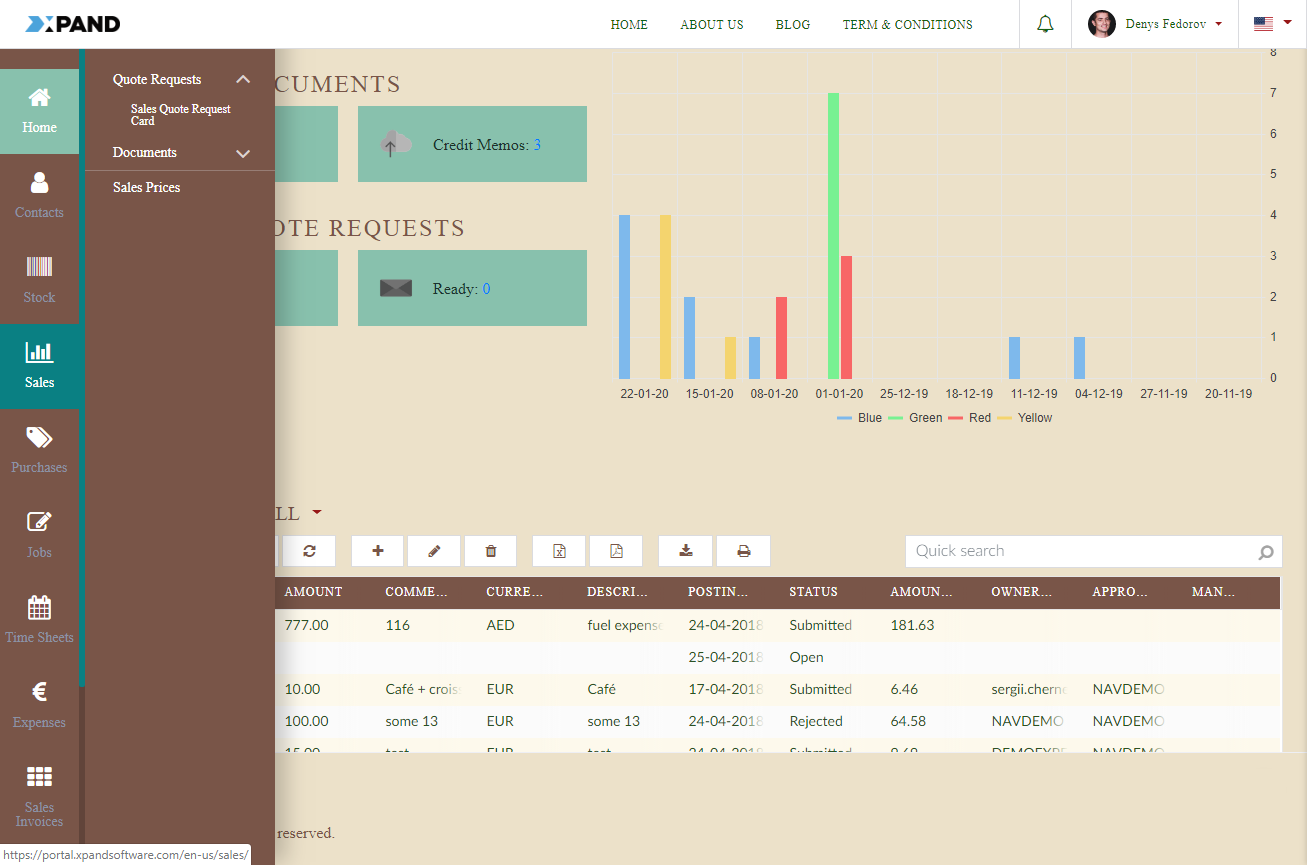
Apply a portal theme
After you have created and enabled a custom portal theme, you can apply it to change the look and feel of your portal. Xpand Portal is shipped with a number of pre-configured themes that can be applied or used as a basis for creating a custom theme.
To apply a theme
- In the backoffice, go to Content, and select the node of the
 site where you want to apply a custom theme.
 - On the General tab, in the Theme field, select an available pre-configured or customized theme from the list. Only enabled themes are available for selection.
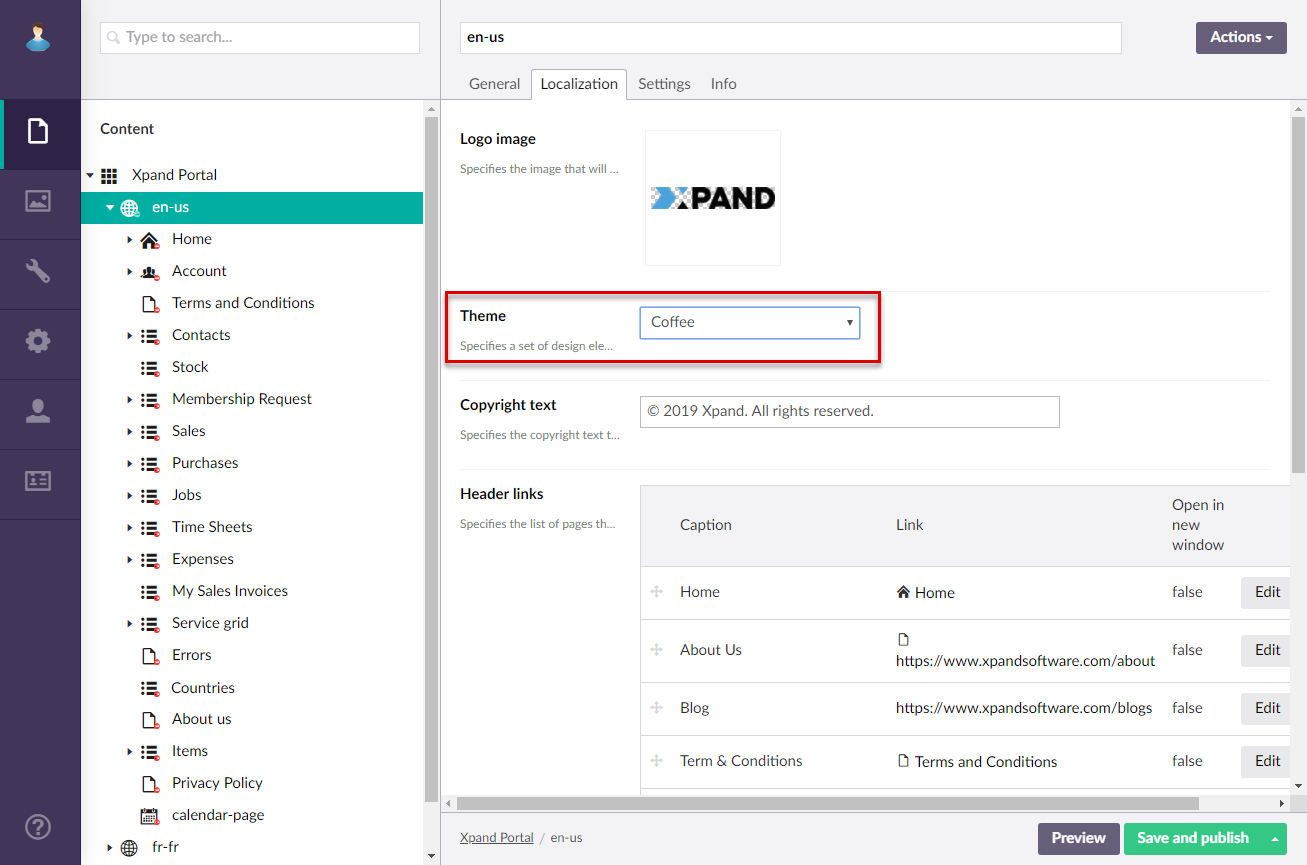
- Select Save and publish.
- Clear the portal cache to have the changes applied on the front end: in the backoffice go to Content or Settings, and then select the Clear cached data action at the bottom of the page
An example of the applied Svitiaz (Dark Blue) theme: