Backoffice overview
Xpand Portal is based on Umbraco CMS (Content Management System). The administrative/UI part of CMS is an environment that is used to manage and administrate the portal. A backoffice user may perform such operations as creating new users, adding new members, linking them to contacts, creating different types of pages, specifying properties of fields on portal pages, setting up their visibility, etc.
A backoffice user in Xpand Portal CMS is the user of the backoffice, while a member is the user of the Xpand Portal web site.
This section is aimed at Xpand Portal administrators and advanced users who manage or customize the portal.
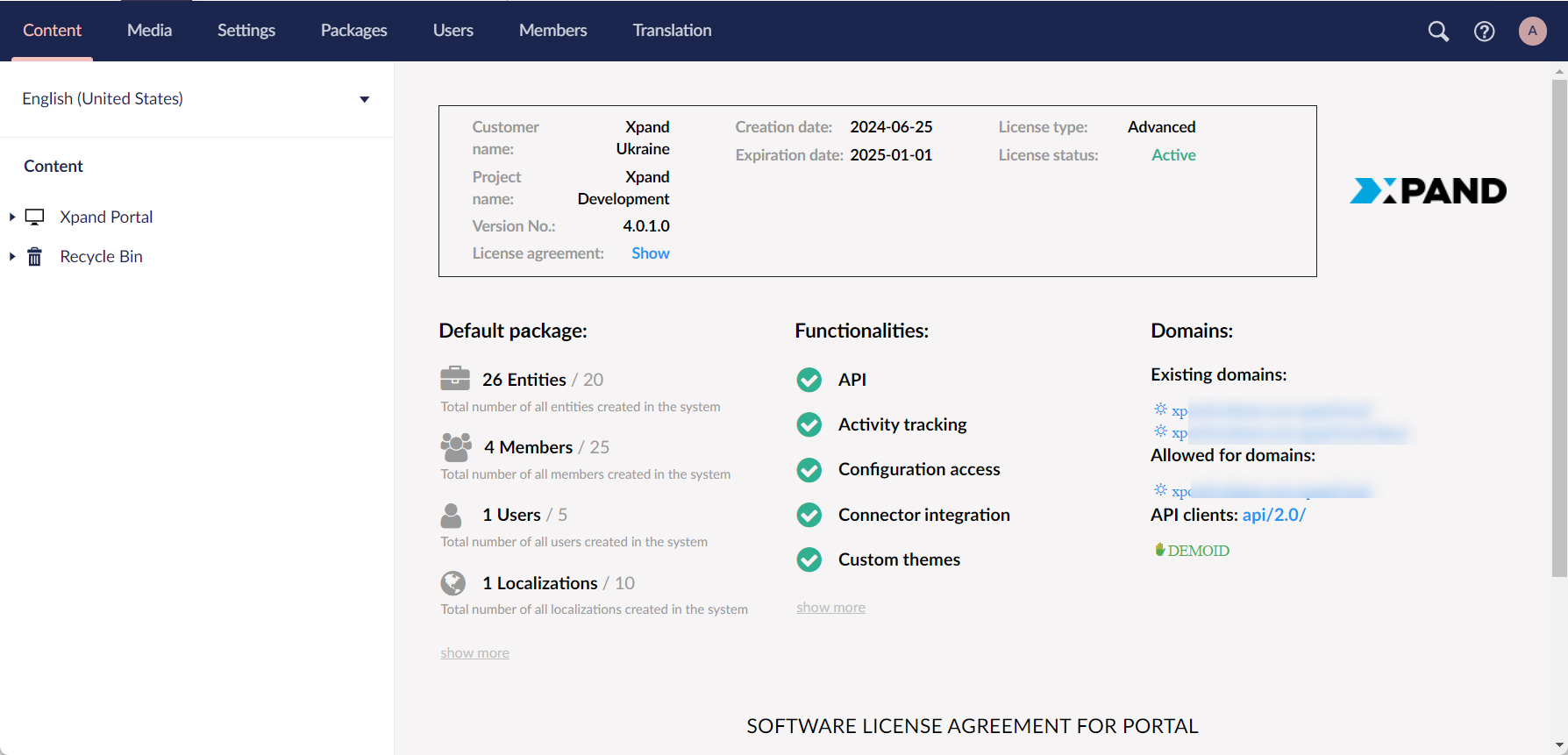
After you sign in to the backoffice of Xpand Portal, you have the following areas:
- Content – This area is used to configure the content that is available to Xpand Portal members, such as portal pages, their layout, and the data on those pages. You can configure more than one site on the portal. The content is organized by localization, so you configure portal content separately for each localization. Each site can have multiple localizations. On the overview page, you can also see information about your license as well as the product version.
- Media – This area is used to configure general site settings and to store media files that are used on portal pages.
- Settings – This area is used to configure advanced settings for the portal, such as document types, media types, content templates, stylesheets, scripts, languages, and the dictionary of portal captions and text constants for each language. This area also contains trace logs for administrative purposes and tools for portal maintenance.
- Packages – This area is used to install Umbraco add-ons from the marketplace.
- Users – This area is used to manage the back-end users, i.e. users who will have access to the backoffice.
- Members – This area is used to manage members, i.e. end users who will have access to the portal front end.
- Translation – This area is used for localization as well as for customizing certain front-end and back-end captions and text constants. It contains the portal dictionary, which stores captions and text constants for various page elements in each language configured in the Settings area.
|
Availability of areas for each backoffice user depends on the access settings for the user group that the user is assigned to. |
 Note
Note