Importing a portal structure migration package
To apply a previously uploaded portal structure migration package, you must import it. Before applying the imported package, you will have an opportunity to review for possible issues.
|
The portal and Umbraco versions must be the same in the structure migration package and target environment. |
 Important
To import a portal structure migration package
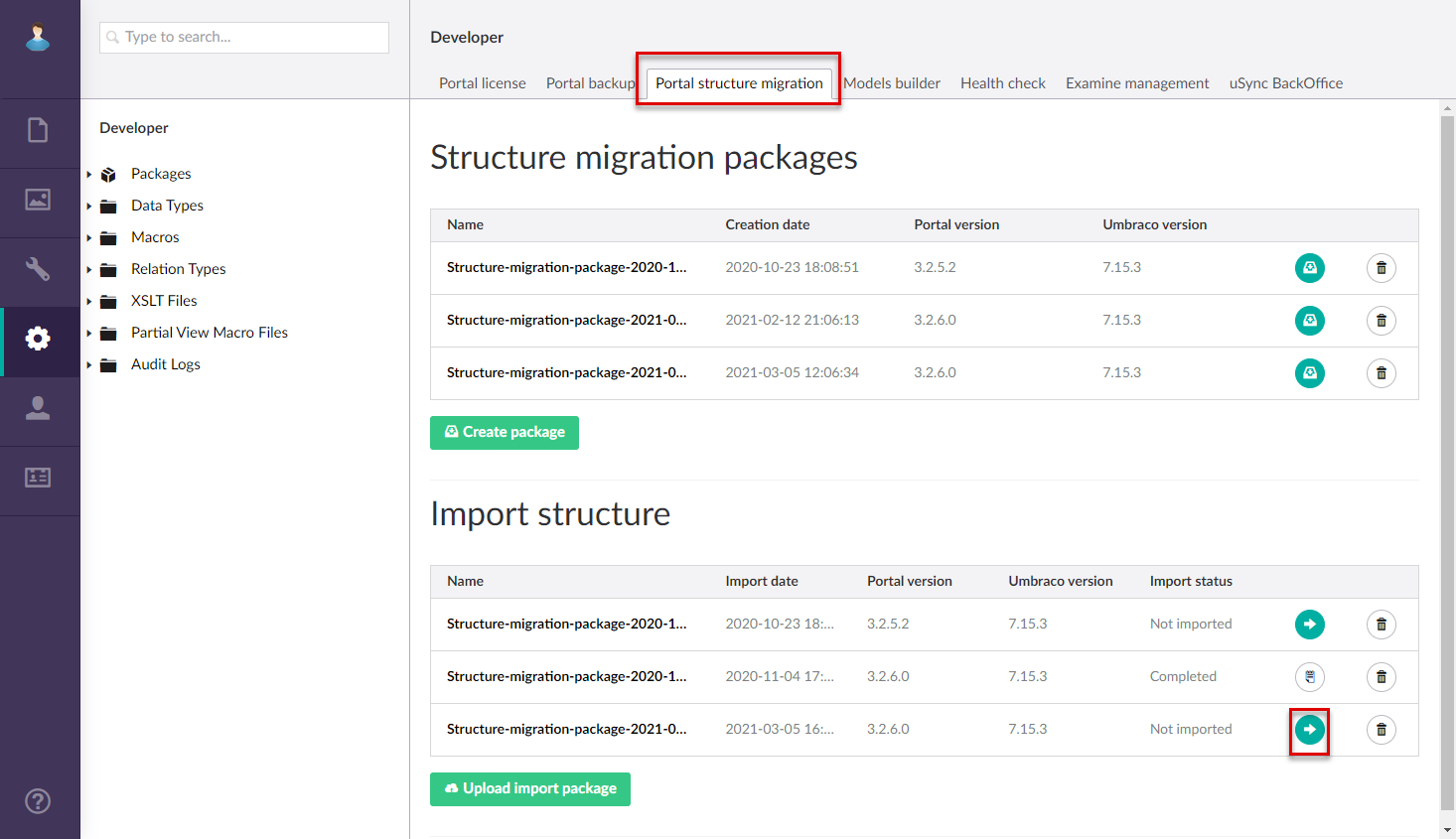
- In CMS, go to Developer, and then select the Portal Structure Migration tab.
- In the Import structure list, select the Preview import
 icon next to the structure migration package that you want to import.
- Wait until the package is imported.
- In the Import Preview window, review every element for issues by selecting the corresponding tab. You can set filters to view only non-critical changes, warnings, and/or critical changes. An example of the import package with issues:
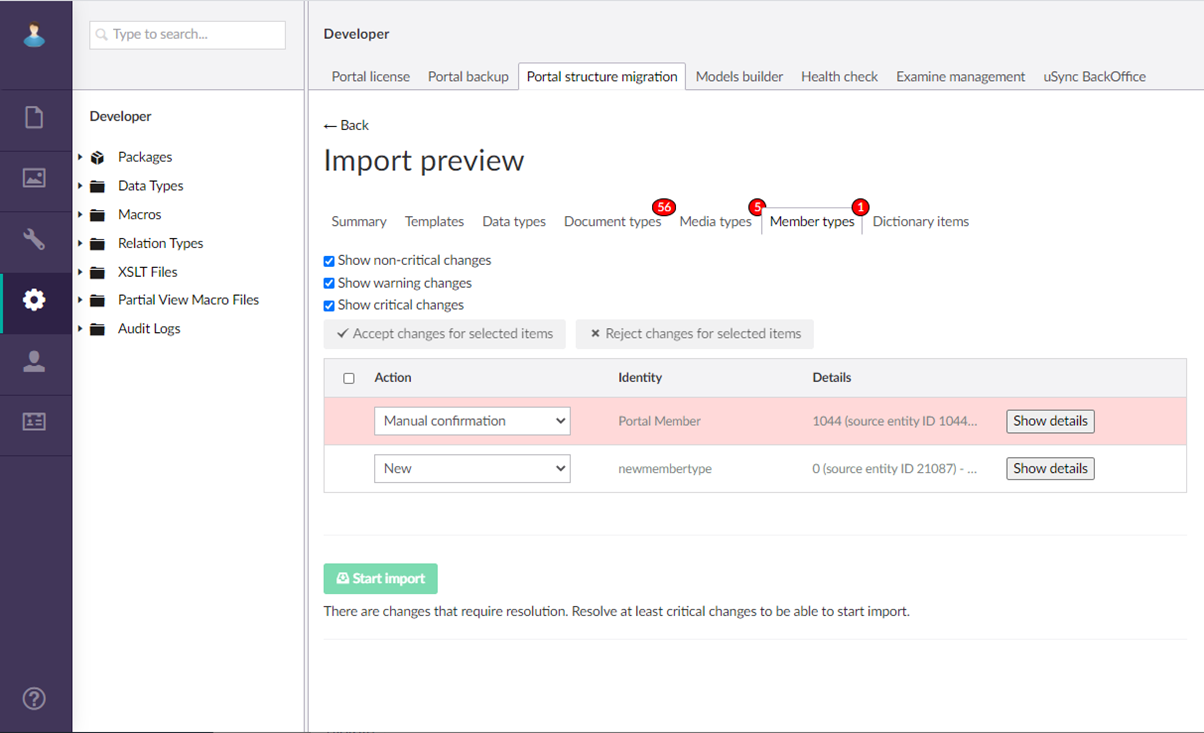
- If the package has changes that require resolution, you can accept or reject changes for selected items. Select one or several such changes, and then select Accept changes for selected items or Reject changes for selected items. Select Show details to view detailed information.
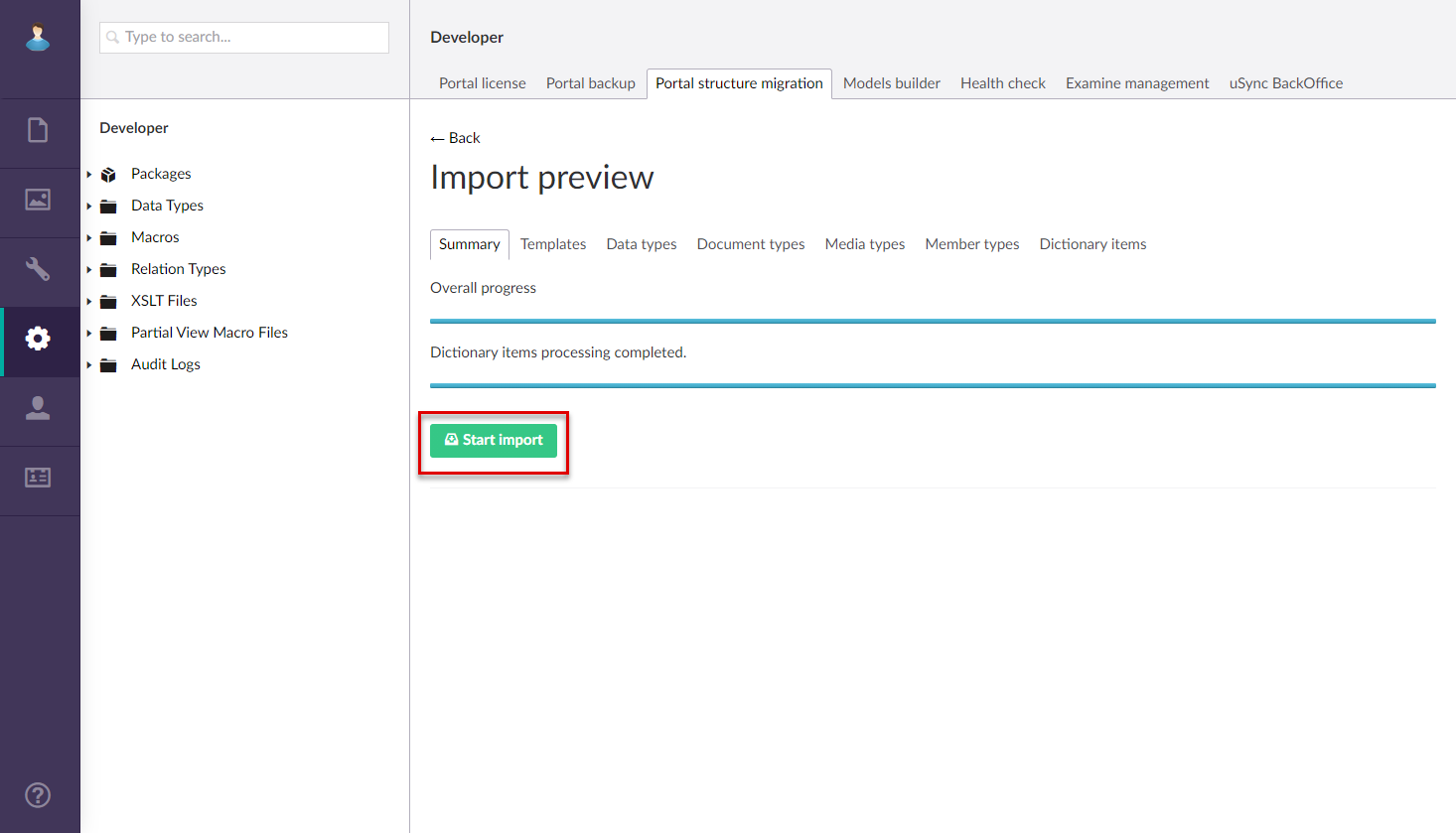
- When you are ready to apply the imported package, select the Start import button.
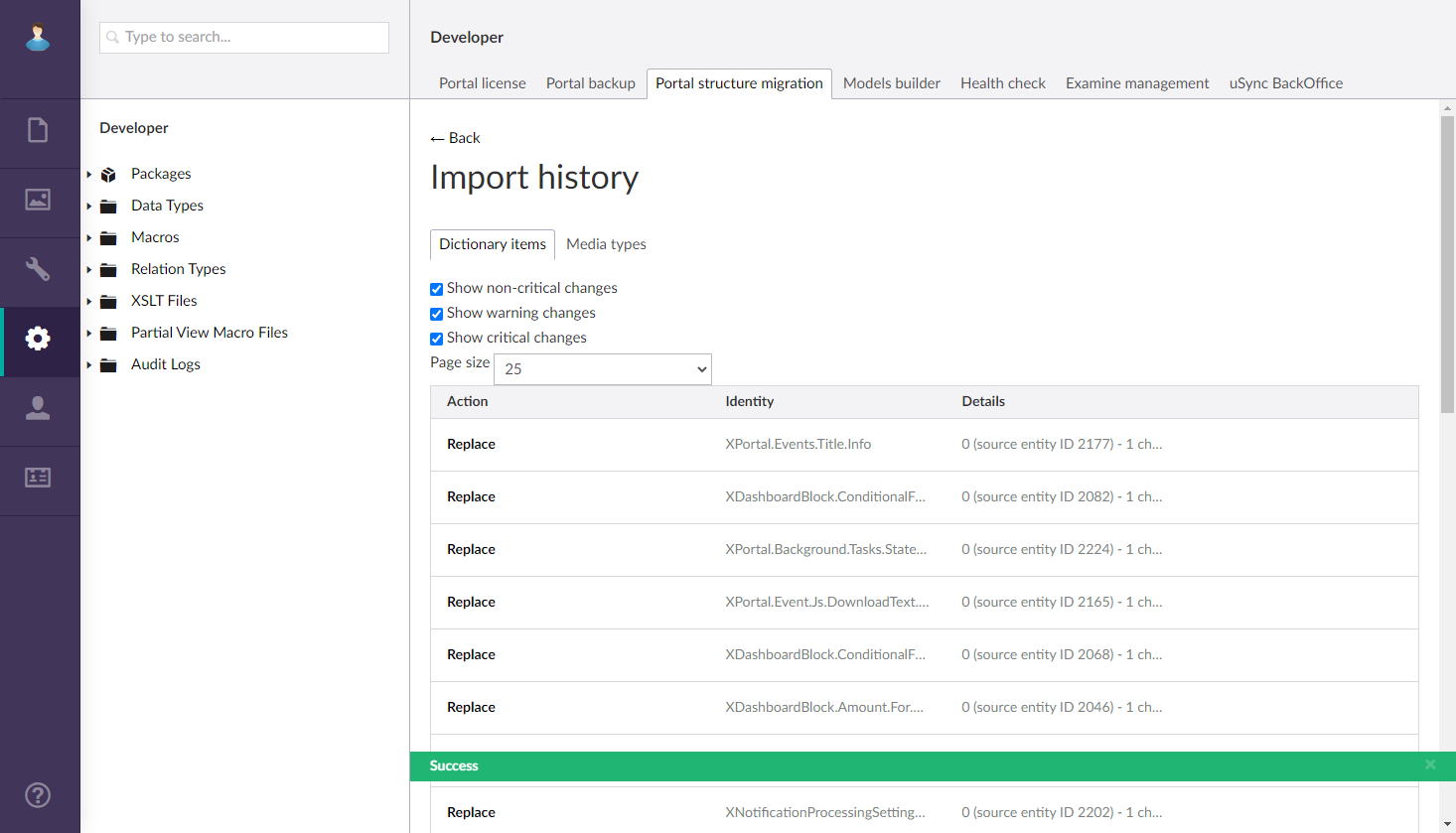
Review import history
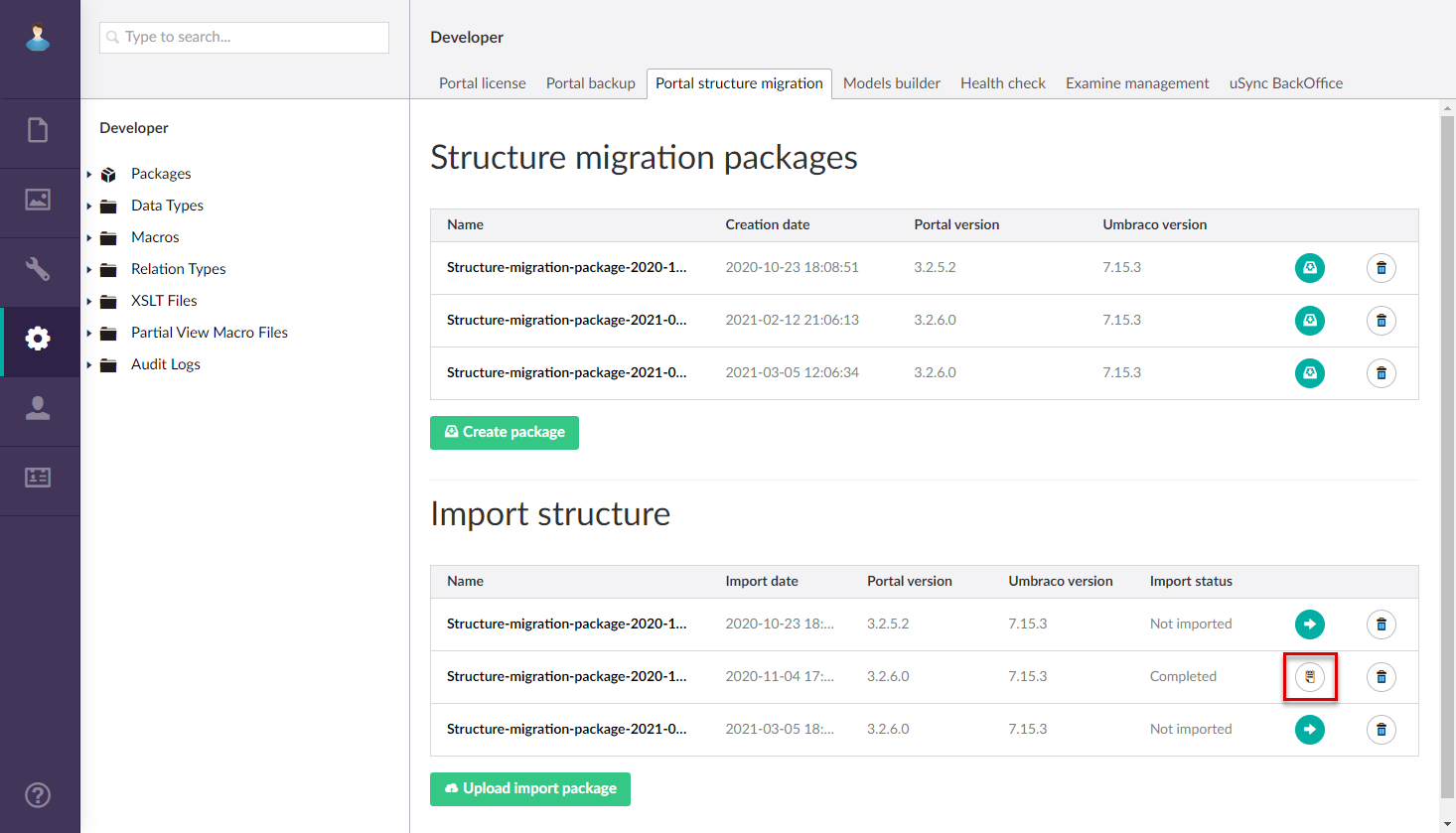
For imported packages, you can review the import history, by clicking the  icon in the Import structure list next to the structure migration package that was imported and applied.
Delete imported package
To delete an imported structure migration package, select the Delete  icon next to the package in the Import structure list.