Change portal language
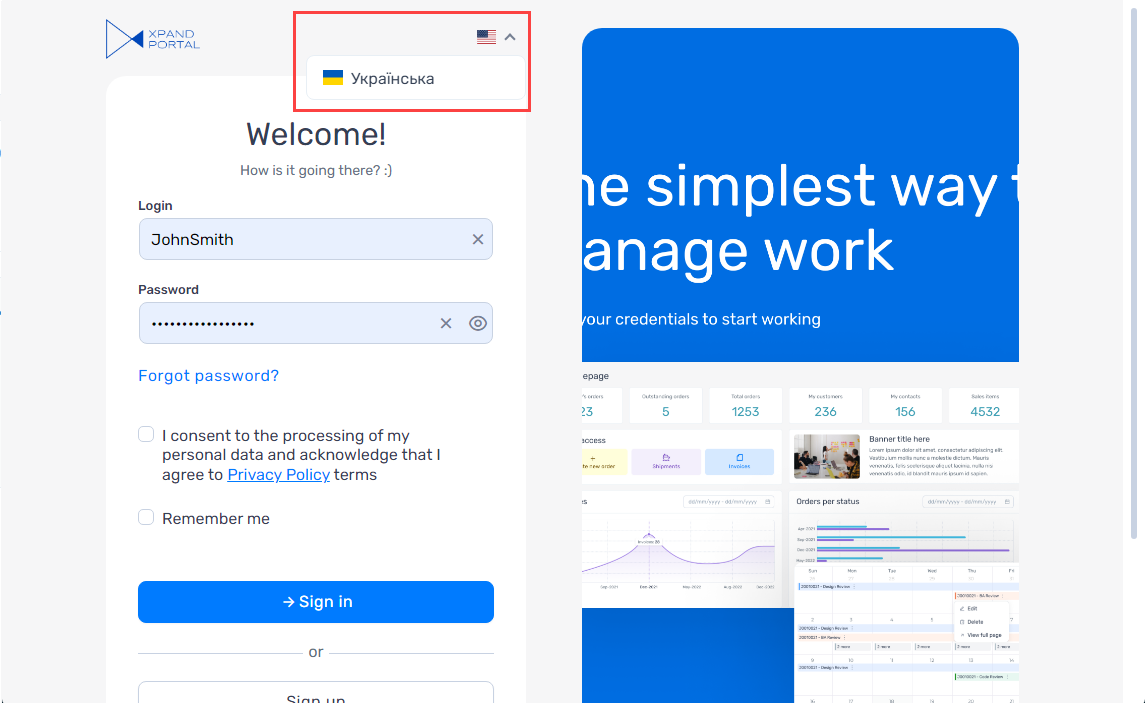
Xpand Portal supports multi-language interface. Each site within your portal may have its own set of localizations. If your implementation has more than one localization, you can select the localization language in the member menu by selecting your member name, and then selecting a language.
|
The portal language can be selected both before and after you sign in to the portal. The language selection is available only if your portal has multiple localizations. |
 Note
NoteFor more information on how to configure your site localization, see Manage site localizations.