Exporting a portal structure migration package
To migrate a previously created portal structure migration package onto a different environment, you must export it. Structure migration packages are exported as a ZIP archive.
To export a portal structure migration package
- In CMS, go to Developer, and then select the Portal Structure Migration tab.
- In the Structure migration packages list, select the Download
 icon next to the structure migration package that you want to export.
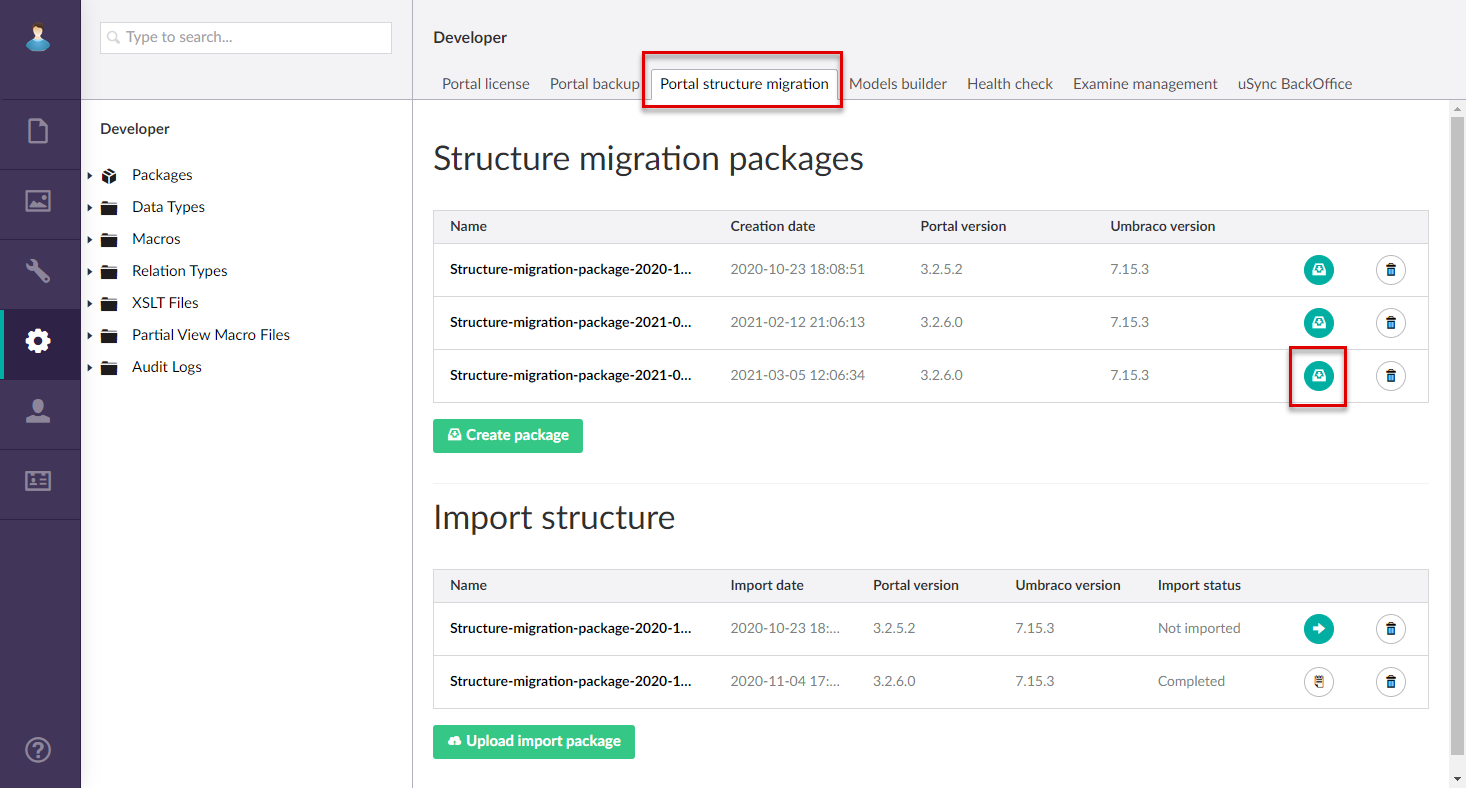
- In the Save As dialog window, select a location, adjust the file name if necessary, and then select Save to export the package in the ZIP format.
The exported package can be uploaded, and then imported into the portal.